
[PR]上記の広告は3ヶ月以上新規記事投稿のないブログに表示されています。新しい記事を書く事で広告が消えます。
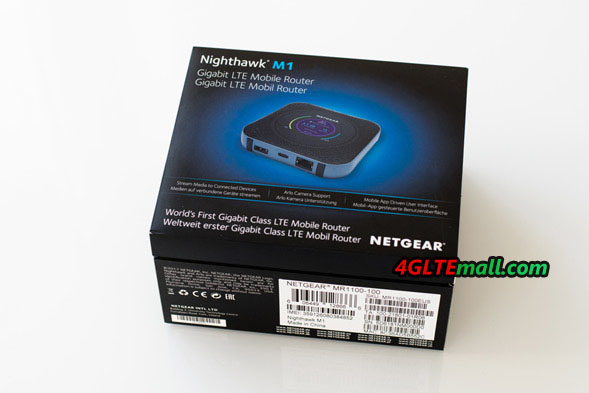
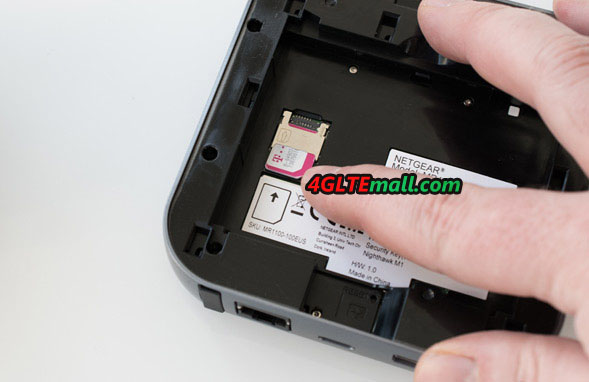
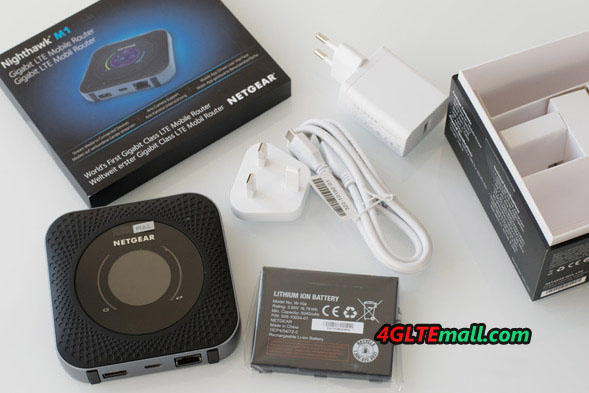
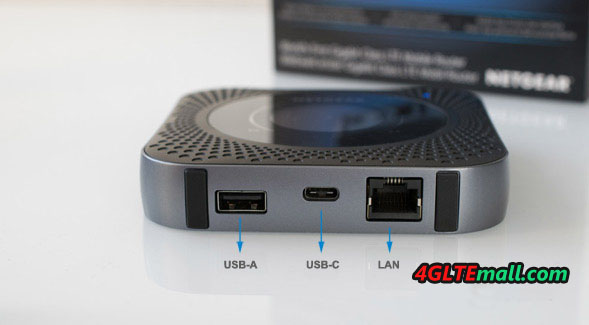
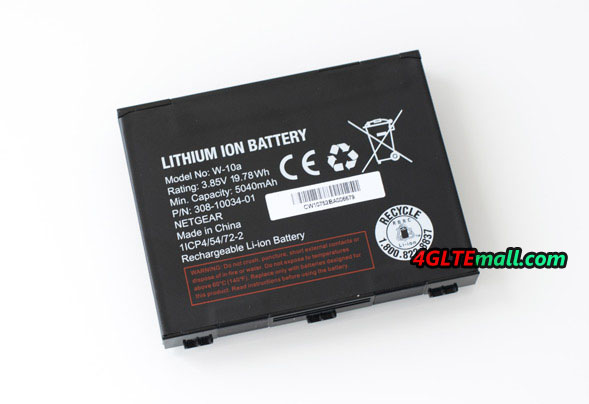
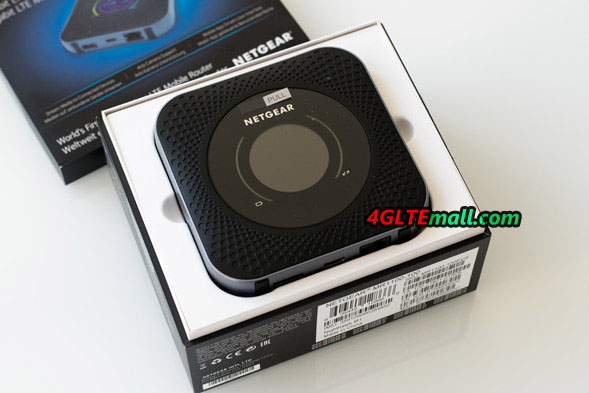 There is a power button at the top of the device. This provides a good pressure point but must be pressed for an exceptionally long time to turn the Nighthawk router on or off. On the bottom, there is a USB Type C port for charging the hotspot and for connecting to the PC, a USB Type A port for charging other devices, an RJ45 LAN port and two TS-9 ports for an external antenna. The battery has a capacity of a proud 5,040 mAh and is easily changeable by the user. Underneath the battery is the slot for the SIM card (3FF Micro SIM form factor) and a slot for a Micro SD memory card.
  Since the Nighthawk M1 has a different body form and a different USB connection than the predecessors of the Netgear AirCard series, the router is also not compatible with the docking station DC112A AirCard Smart Cradle. This is, of course, annoying if you already own the expensive docking station and now wants to change to the Nighthawk M1.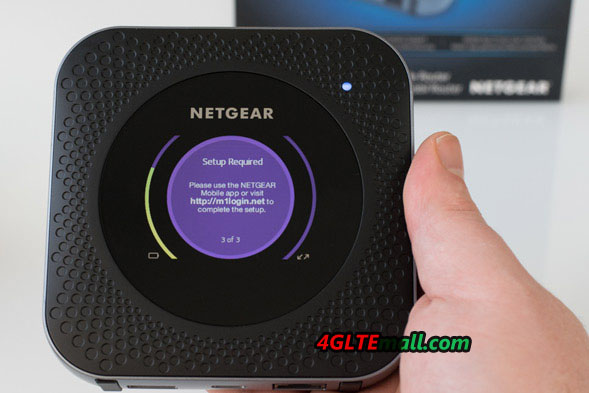
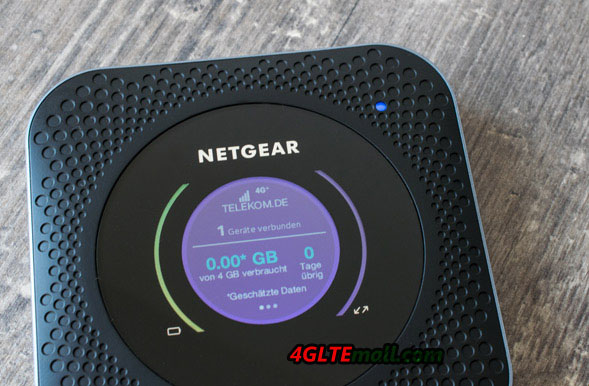 In real use, the speed of up to 1 Gbit/s in the downlink is only very rarely achieved. This must be based on perfect network conditions given accordingly, which is the case only in a few places. The various 4.5G technologies help the router to provide higher speeds even with slower LTE radio cells, for example, provides the 256QAM support for up to 33% higher data rate in the downlink.
  In testing with a Telekom SIM card, the Netgear Nighthawk M1 scored in many cases with very good data rates. In an LTE Band 3 radio cell, up to 135 MBit/s in the downlink, up to 64 MBit/s in the uplink and well under 30 milliseconds ping could be measured. In particular, the downlink was higher in various tests than in comparison devices. In the UMTS network, the Netgear Nighthawk M1 also showed an outstanding performance: about 33 MBit/s in the downlink and 4.6 MBit/s in the uplink are technologically almost the maximum performance.
  However, the test of the Nighthawk M1 also showed weak spots in regions with activated carrier aggregation, which probably has to be related to the modem firmware. So the Nighthawk router had not used channel bundling in some locations. In particular, it was repeatedly observed that the Nighthawk M1 was booked in the LTE band 8, while the iPhone at the same location LTE Band 3 as a "baseband" and also used band 7 via CA. The data rates were also correspondingly poor: the iPhone reached well over 200 MBit/s, the Netgear M1 only slightly above 20 MBit/s. Only after several reboots changed the Nighthawk M1 on LTE band 3, but seemed to continue to dispense with Carrier Aggregation.
 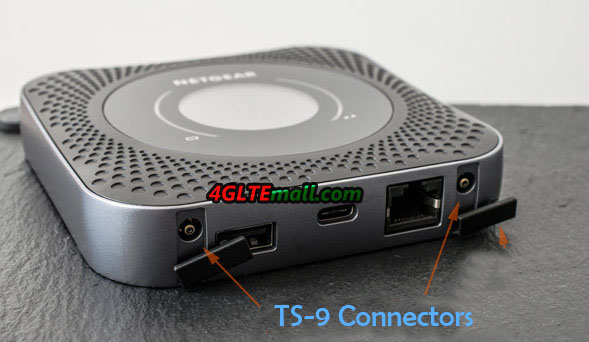 The reception was very good both in the UMTS network and in the LTE network (band 3, band 8 and band 20 tested). If necessary, it is also possible to connect an external antenna. In the test, a 4G LTE Outdoor antenna with two TS-9 pigtails worked very well.
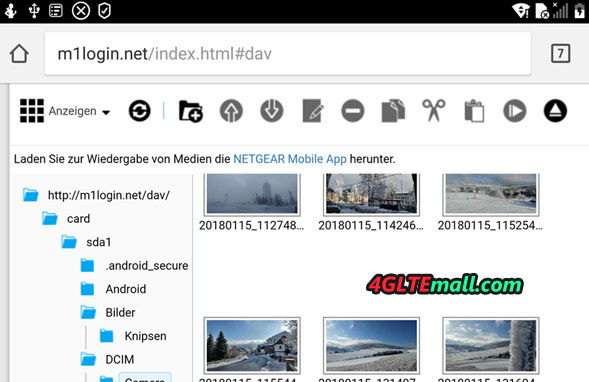
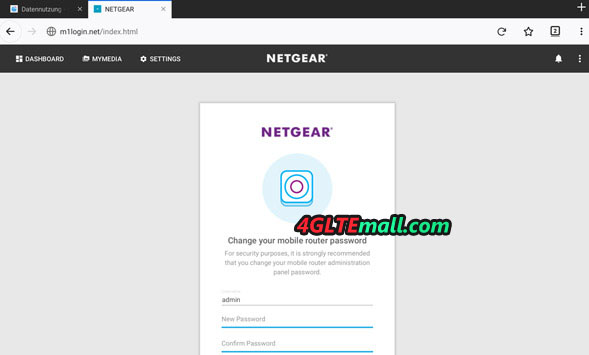 The Netgear Nighthawk M1 router offers various settings. In addition to the "usual" things such as settings for Wi-Fi name and Wi-Fi password, there are also "exotic" things like the display brightness and the illumination duration, which can be adjusted manually. In the area "MyMedia" you can access the data of the MicroSD memory card, provided you have inserted a suitable storage medium. The data can be shared in the network for all participants.
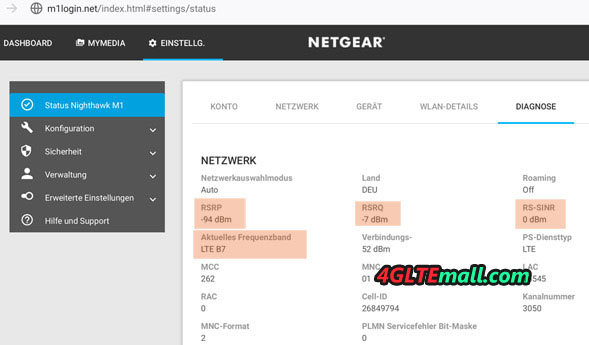
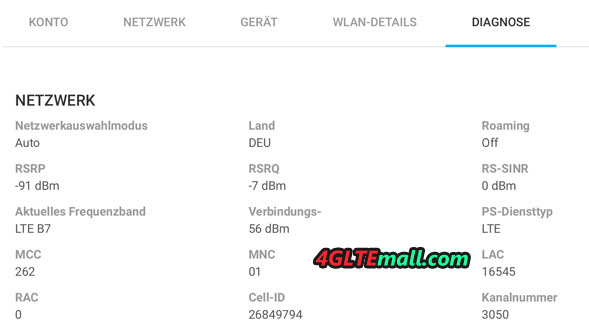
 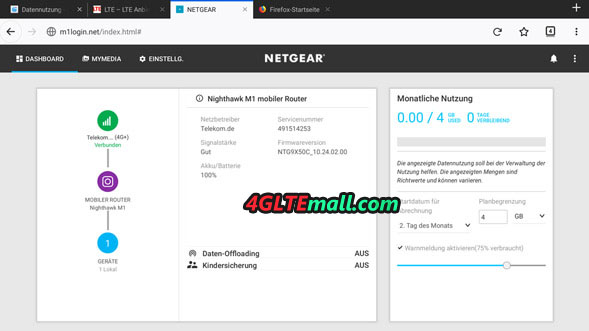 Praiseworthy is also the detail view of the device as well as to the network connection. The "Status" tab shows, for example, the network technology used, the frequency band used, RSRQ and RSRP, and other data. Even the temperature of the device and the battery can be viewed. Of course, the Netgear Nighthawk M1 MR1100 router also provides the ability to update the firmware online directly via the web interface. In the test device came such a firmware update directly after the first set up, the installation went quickly and easily. There is the possibility to make a backup of the settings before installing the update.
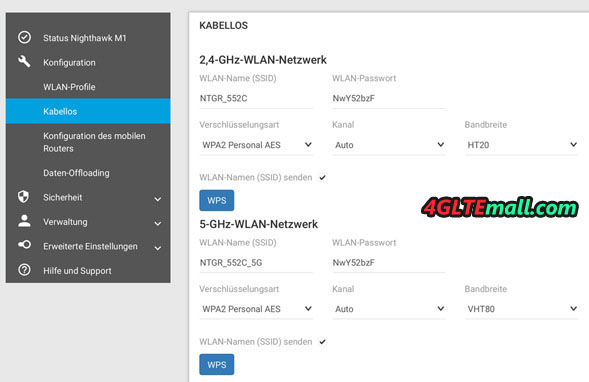 The Nighthawk M1 can simultaneously provide up to 20 devices with fast Internet, the device will operate both on 2.4 GHz and in the 5 GHz frequency range (802.11b/g/n/ac). The WLAN SSID and the password can be assigned separately for both frequency ranges. The transmission power can be set in the web interface in three stages. In the app or in the web interface, there is also the option to enable or disable the password display in plain text on the display of the Nighthawk M1. Also a nice feature: the device deactivates the WLAN on request, as soon as USB tethering is active.
 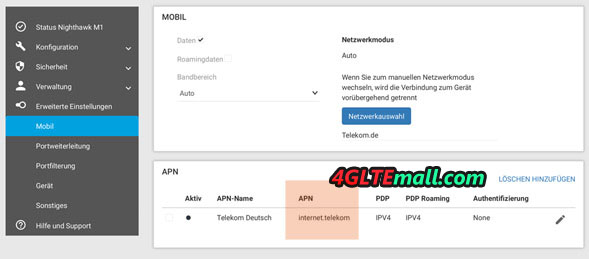 Via the menu item "Data Offloading" you can use an existing LAN or WLAN network as Internet access, for example in the hotel or on the campsite. The integrated mobile modem is then deactivated. This feature is also known as "WLAN Extender".
 In the test, unfortunately, some disadvantages were found. We have to mention the partially incomprehensible behavior in LTE radio cells with activated carrier aggregation. Other devices use channel bundling more timely and much more effectively than the Nighthawk M1. Here, Netgear should release a firmware update to fix the issues. You could also criticize the lack of touchscreen as well as the quite high weight and the large dimensions. Both, however, can be tolerated in view of the otherwise outstanding performance. All in all, the Netgear Nighthawk M1 is the best mobile router for buy recommendation!